Infocell
A Web portal for Grievance reporting, Request and Custom N.M.S.
Platform Architecture
Bare Metal: Intel Xeon E3 based rack mount server
OS: Ubuntu 16.04 Server edition
Server: Node.js
Database: MongoDB
Service manager: Node Upstarter
Live Updating clientside: Using socket.io
Node router: express
Clientside Renderer: EJS
Clientside runtime: Angular.js
Network Monitoring System part:
Polling: SNMP data polling every 5 seconds
Interrupt: Using SNMP Trap
Device status: Pinging device every 5 seconds (ICMP Server)
80: For HTTP site (Apache Proxy)
161, 162: SNMP and SNMP Trap
3000: For Node.js HTTP server (Forwarded by apache to port 80), also used for Socket.io Websockets
Frontend Site
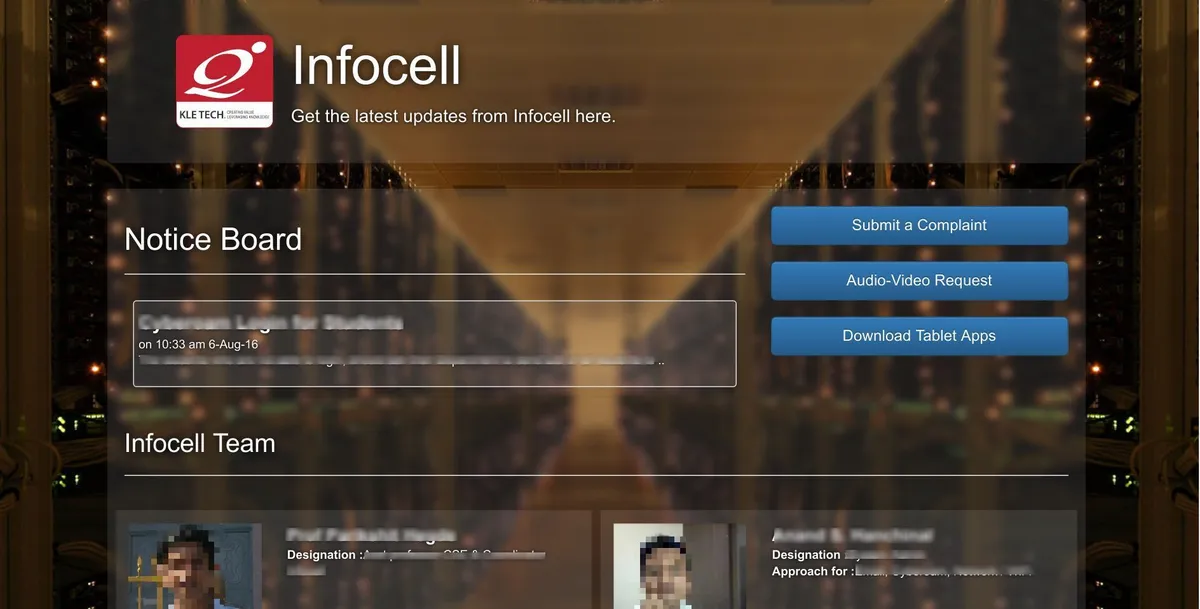
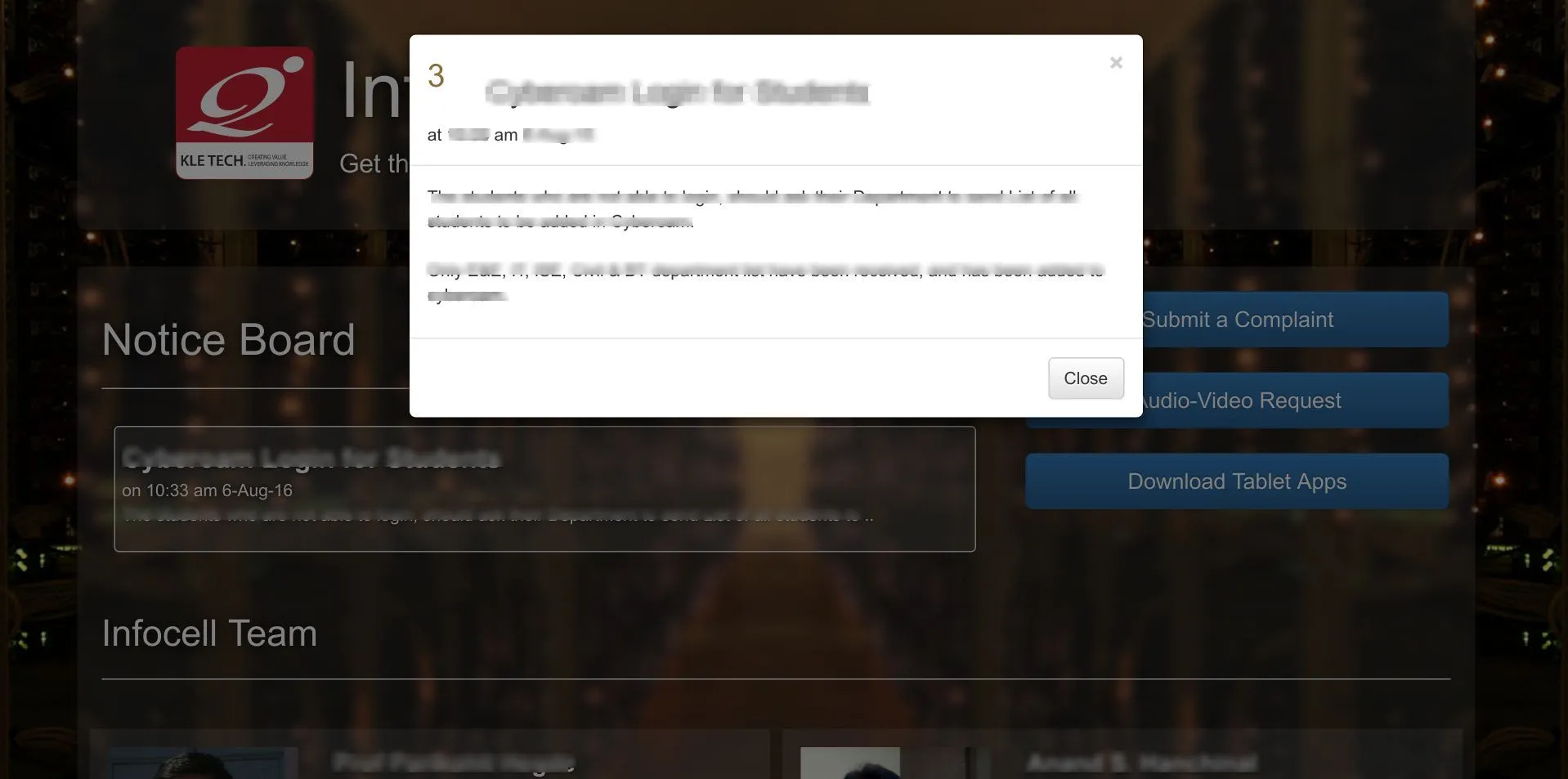
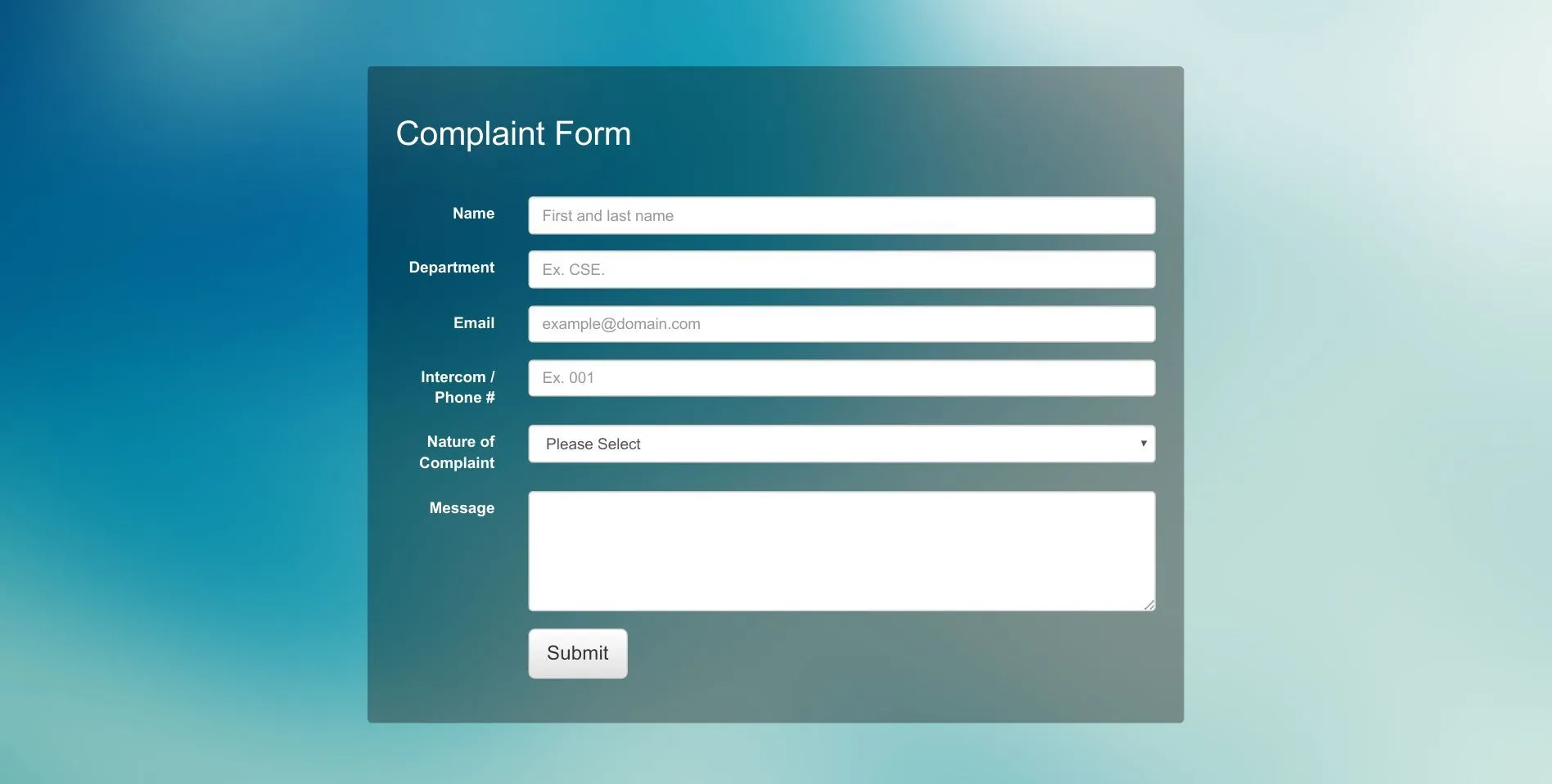
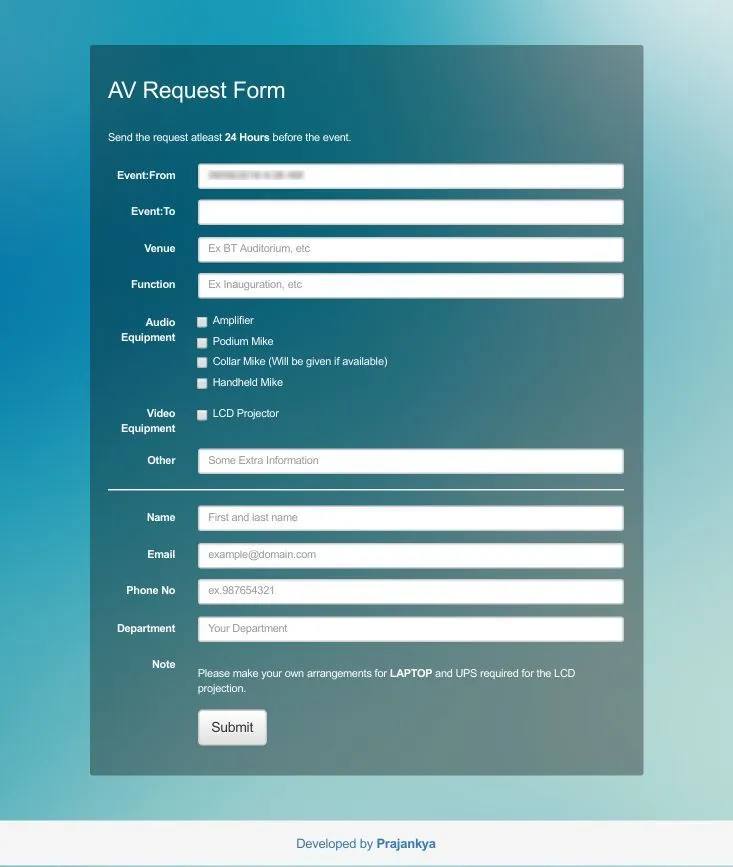
The main page features The Infocell team, the Noticeboard and some other prime links. The sub pages are about filling form for any complaints or Audio-Video requests which is handled by the Infocell team.
 Front end of the website
Backend website
The backend opens in hidden link and ask for Login, after successful the landing page in the Dashboard. It shows all the current Complaints and AV Requests. It also shows the new updates and features added to the suite.
From the top bar we can change password, navigate and search. On the sidebar are Event calendar, Noticeboard and many other features, most of which are visible only to administrators and not for other users.
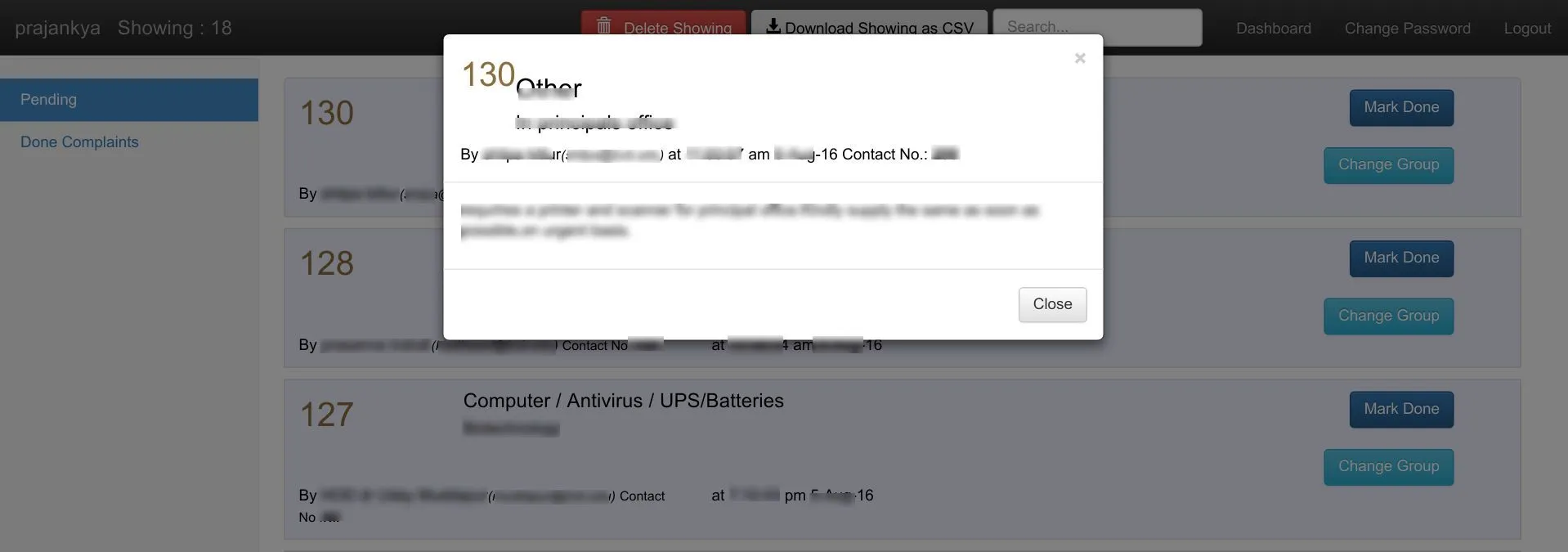
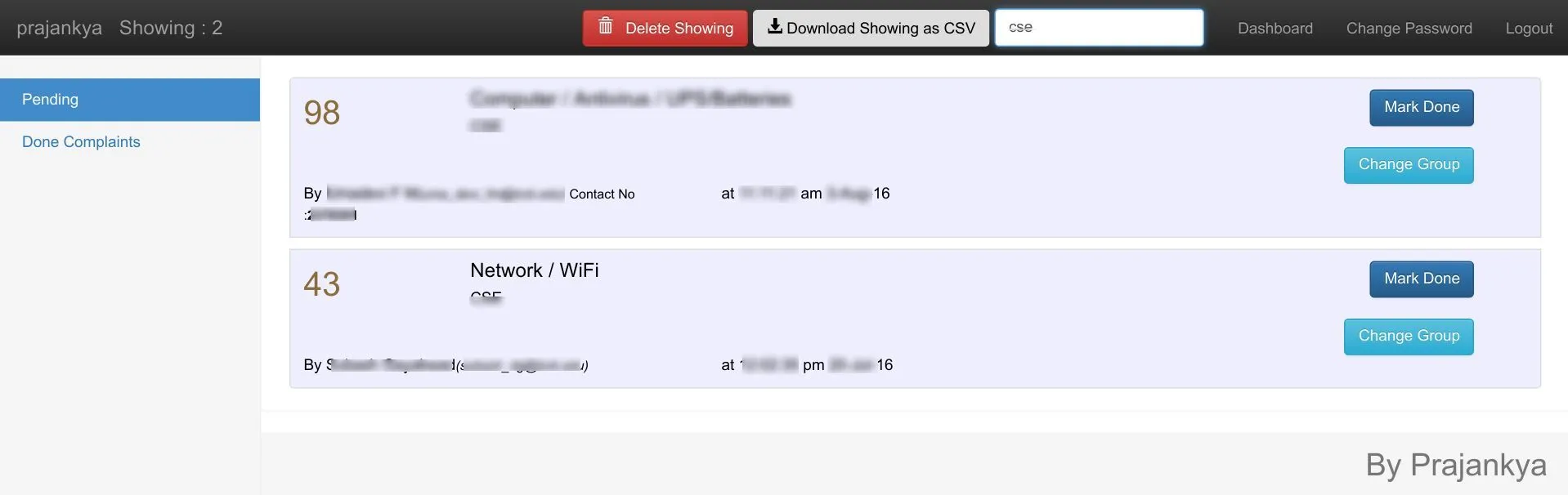
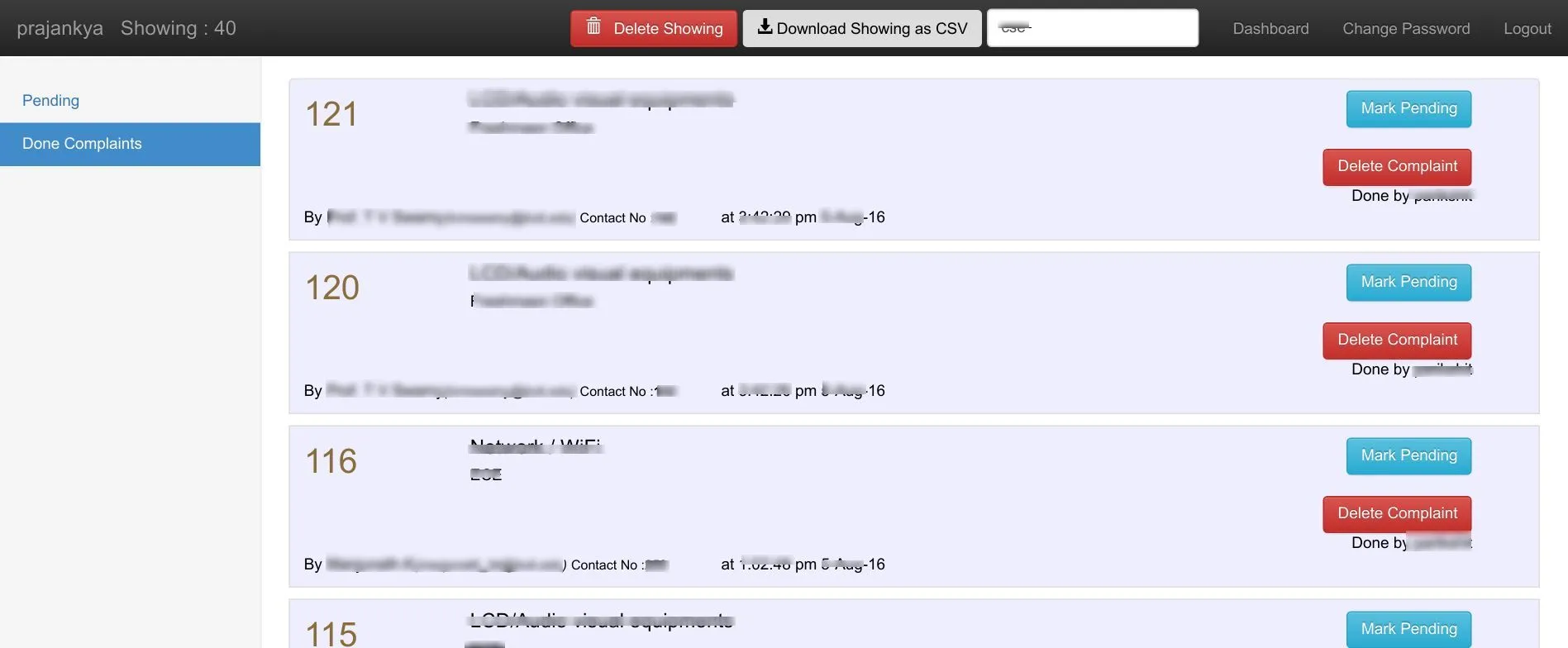
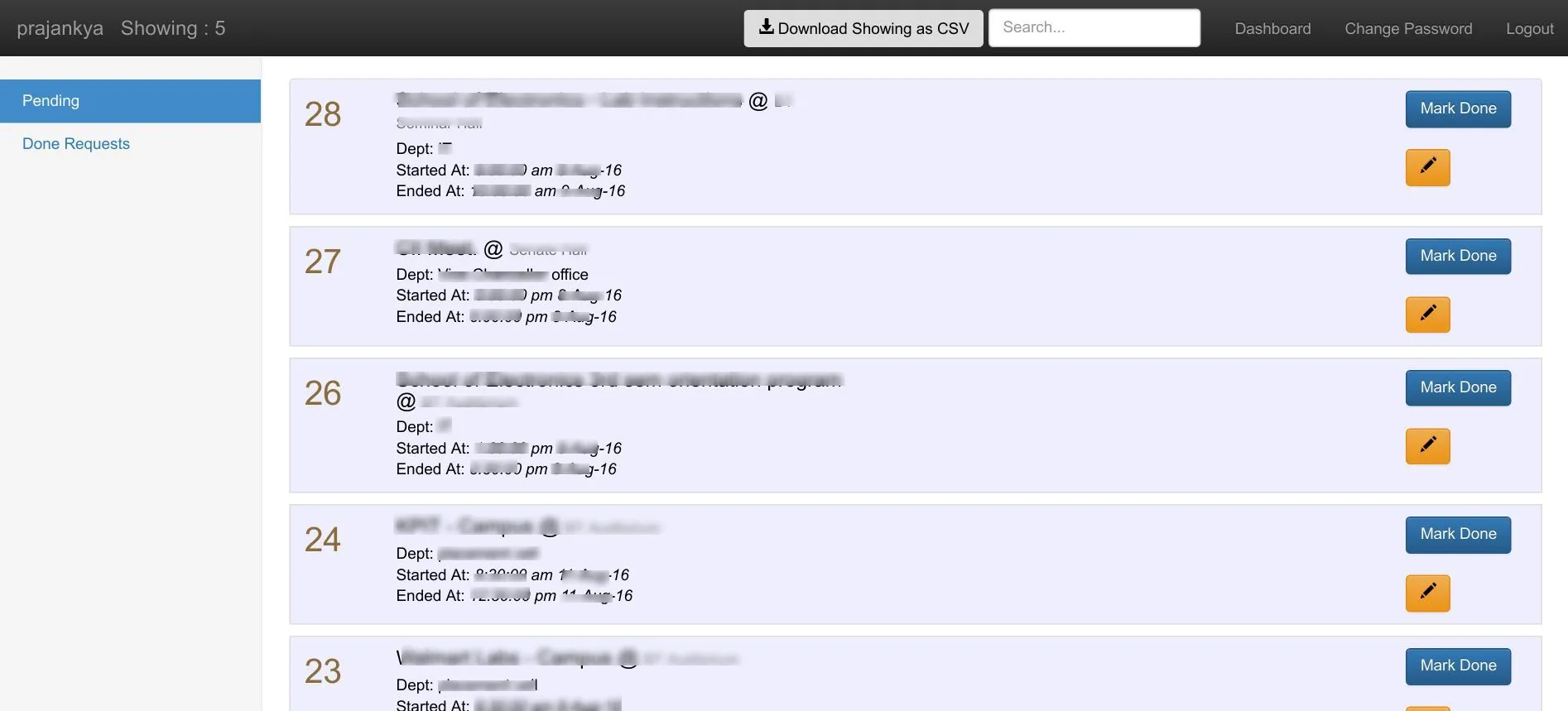
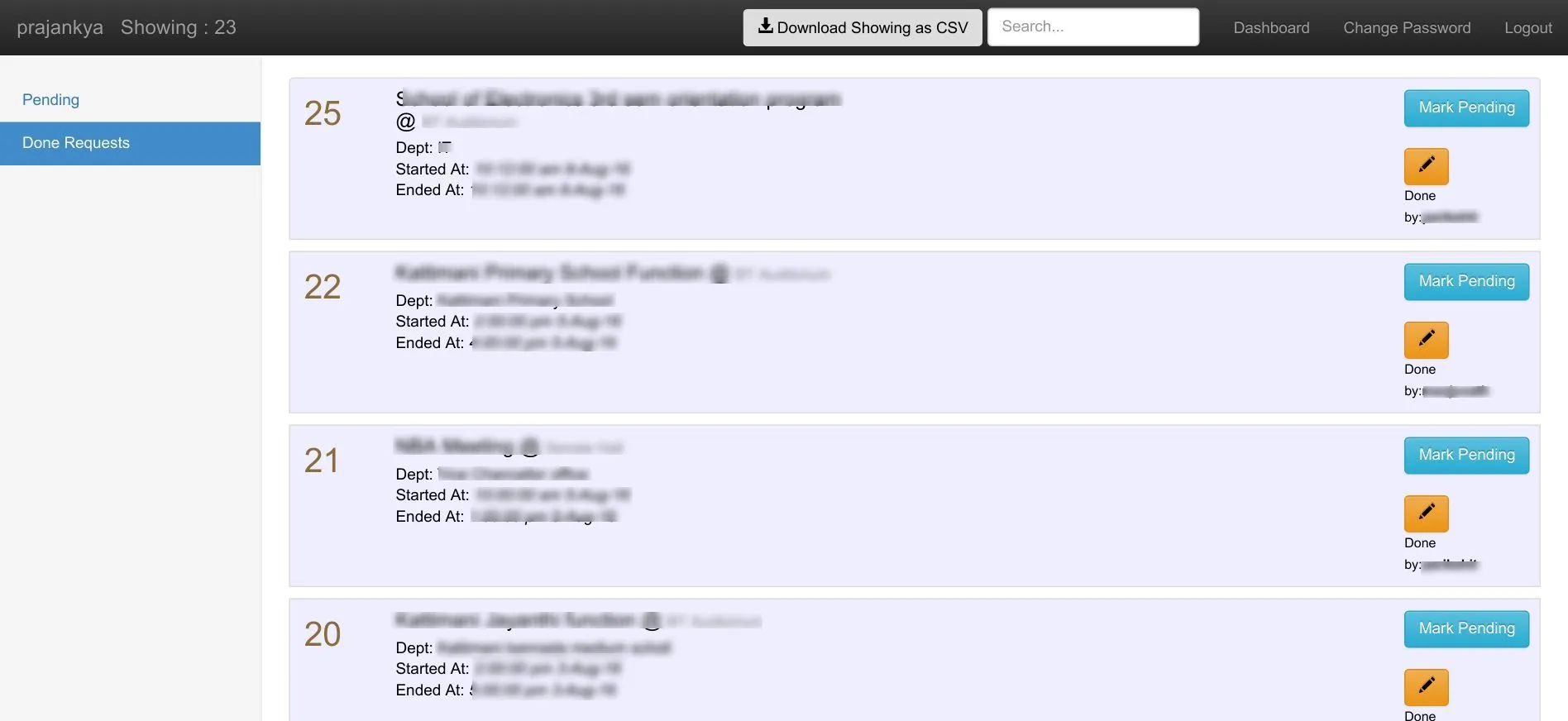
In Complaints and requests page there are two parts: current pending and already done or resolved. Any issue marked done by any user carries the information forward with the time at which it was done. These pages are searchable throughout, with every information from date to name searchable. All the visible data (even the searched data) is downloadable as CSV.
Admins can delete complaints, edit to change the group of a complaint to assign it to the desired users. Admins only can also edit any request to change the date and time of any event — in the Registration form on the frontend it is only possible to register an event 24 hrs before, so this place allows admins to change the date for any exceptions.
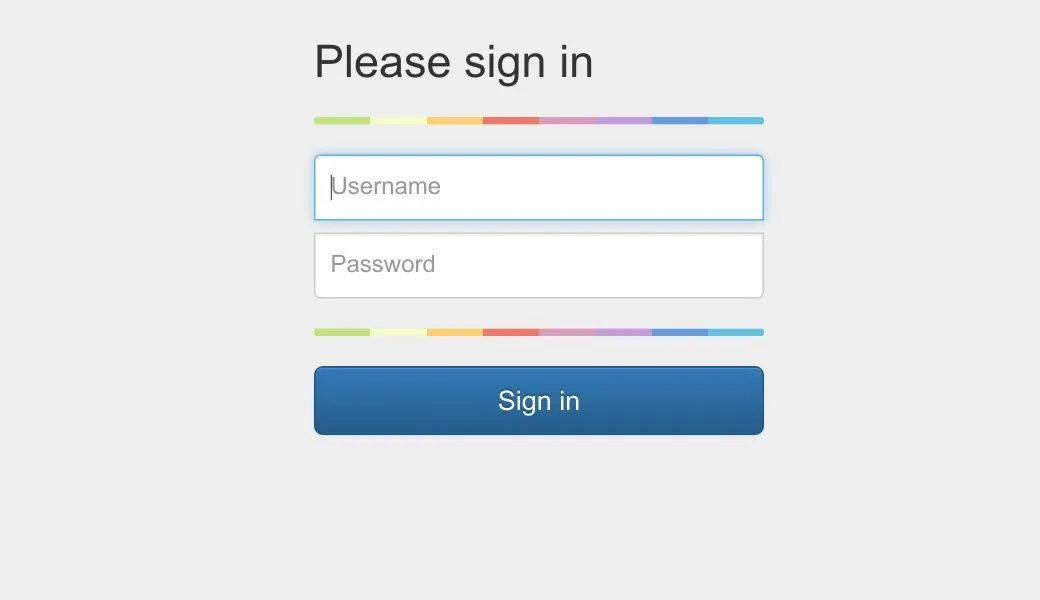 Backend panel for staff
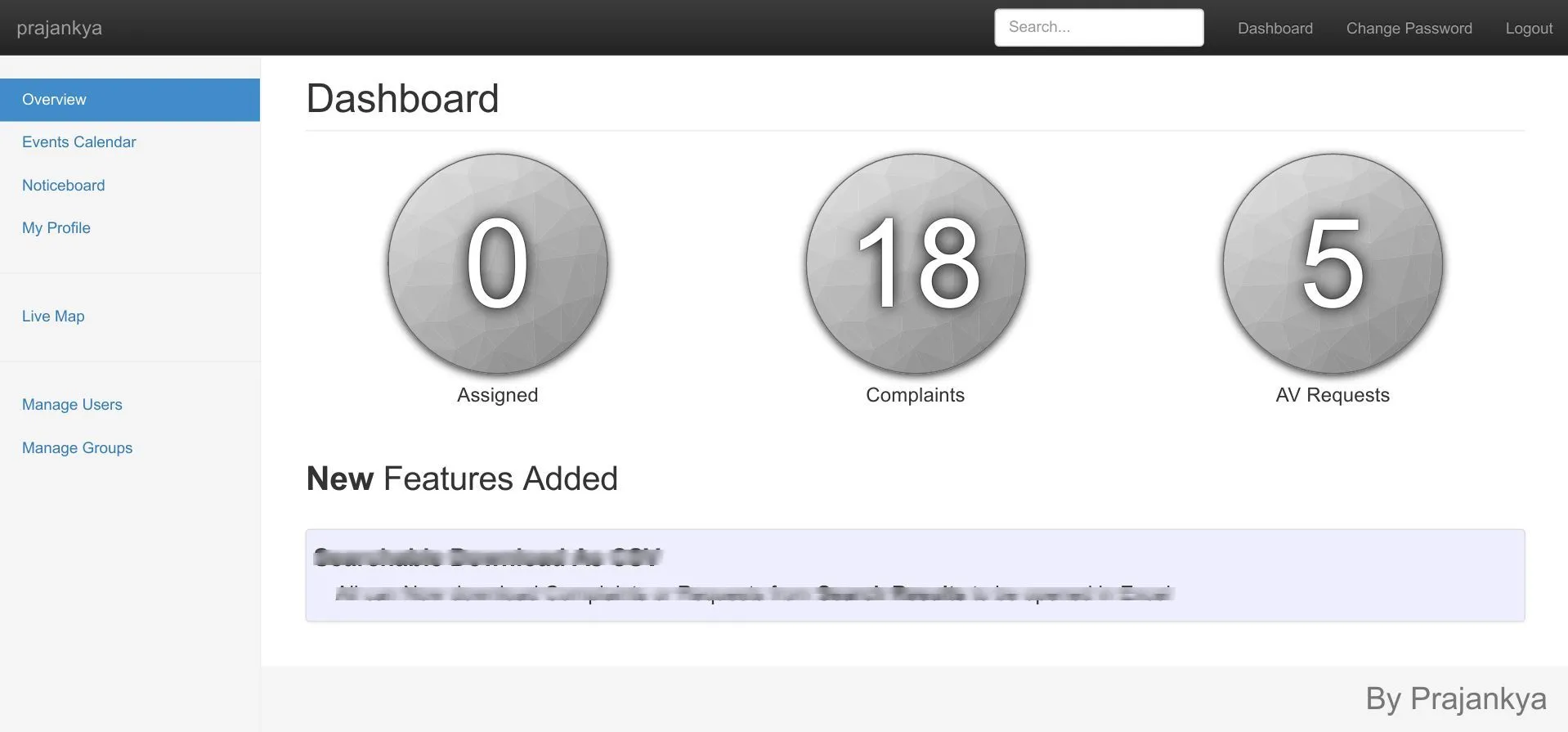
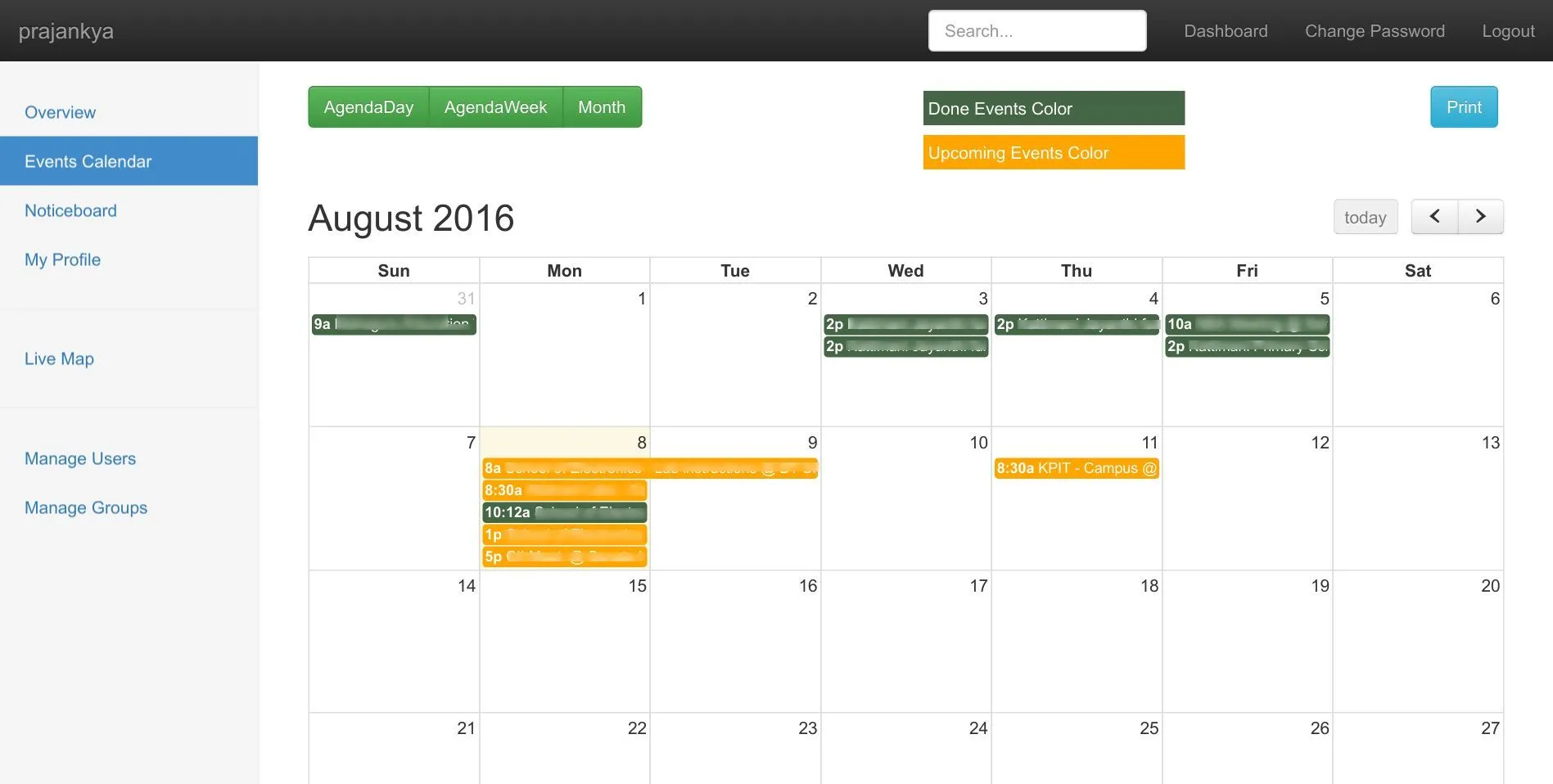
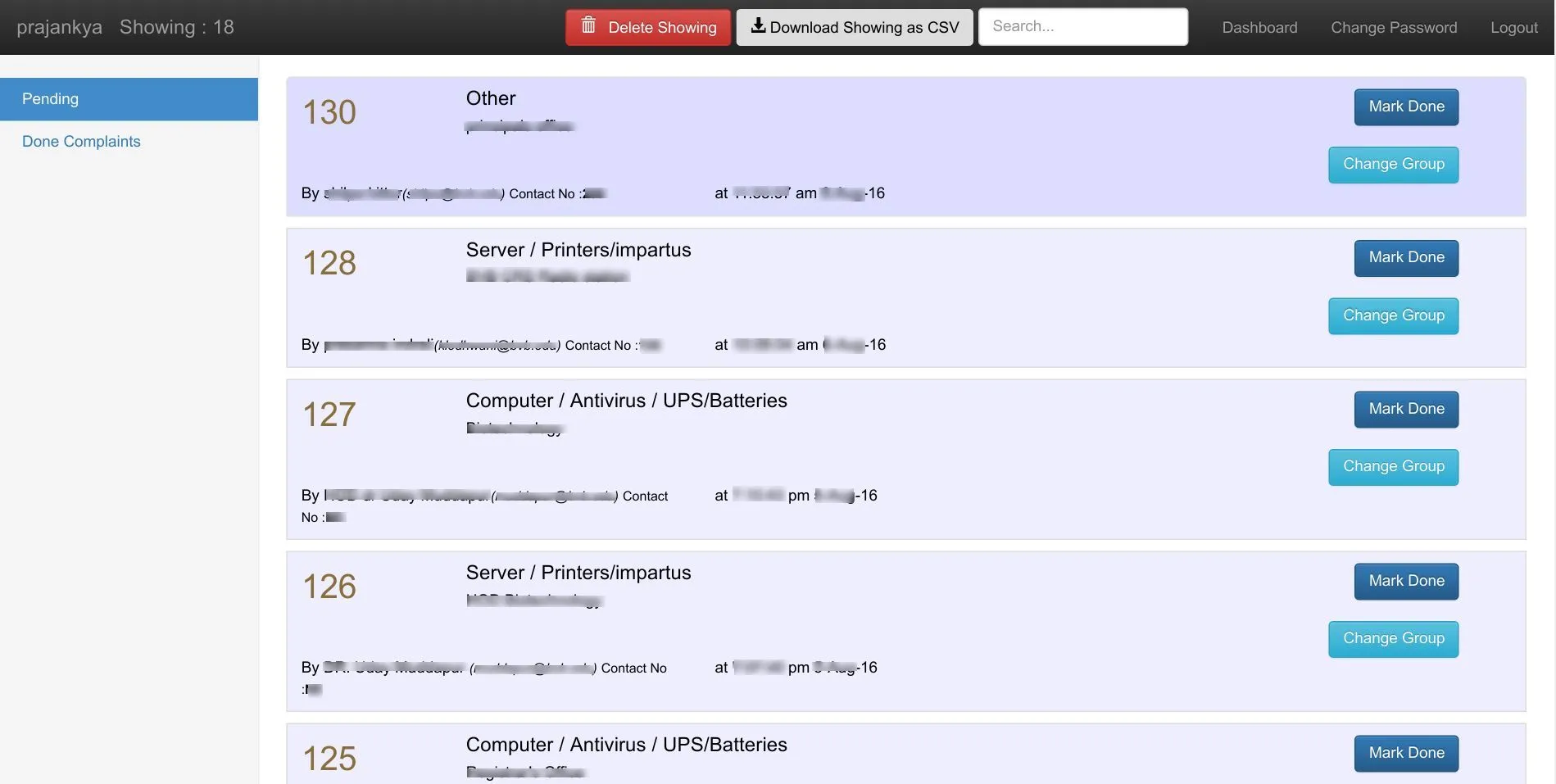
Admin features
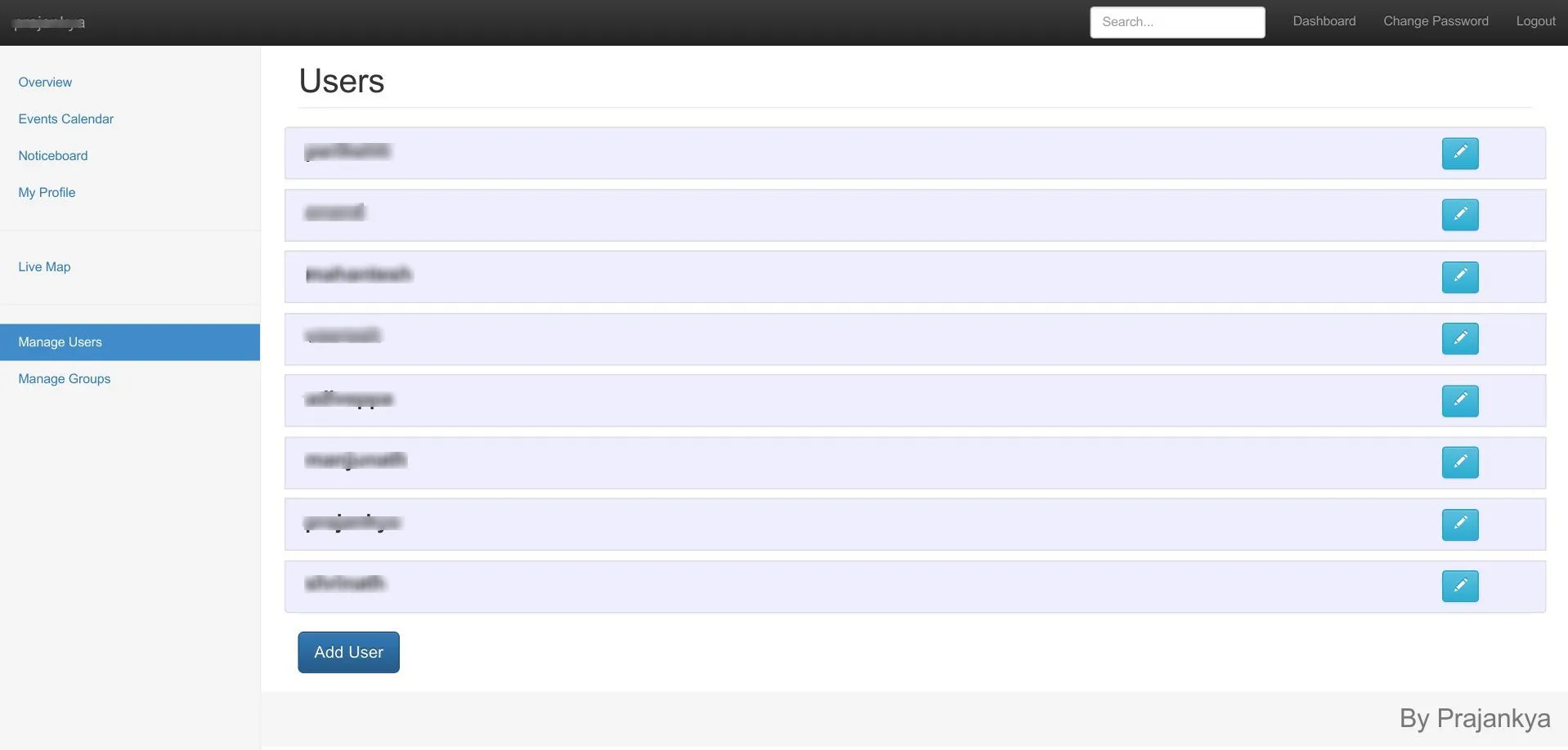
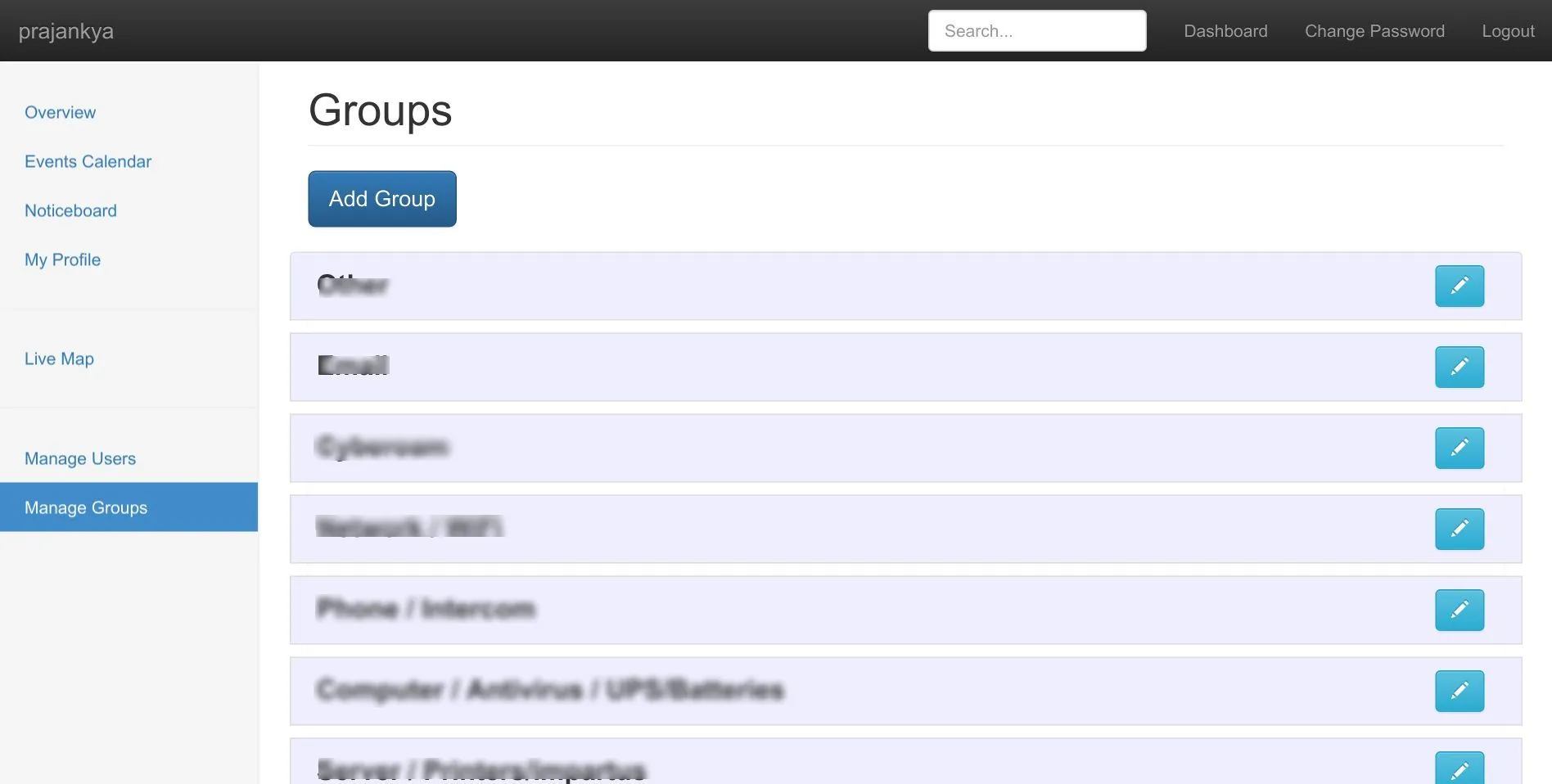
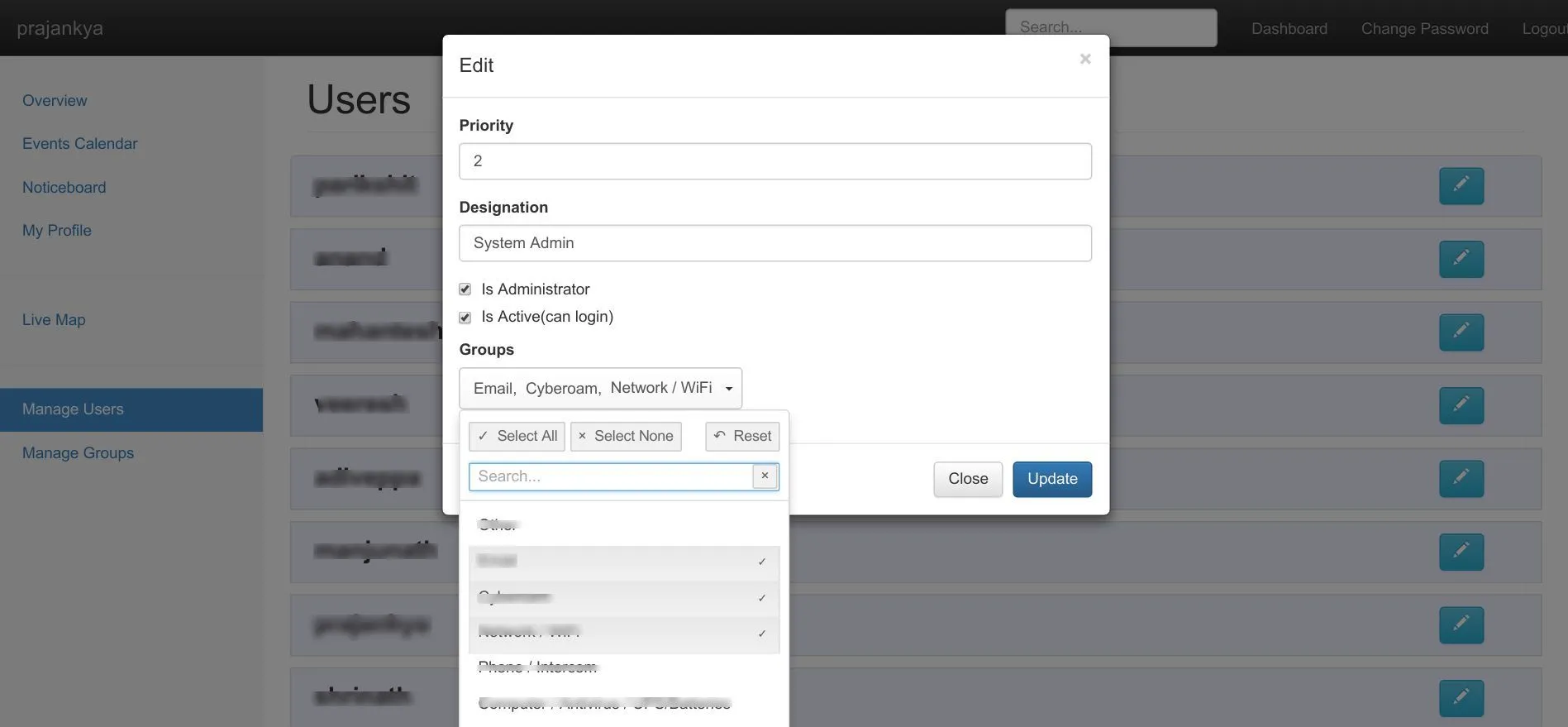
Manage users and groups feature is only for admins. In Manage users the admin can create or edit new users, give them hierarchy priorities, assign work (by selecting the group that user belongs to), define designation as to be shown on the frontend website in Infocell Team, and also can make a user inactive so they are unable to login but still have all the complaints and requests completed by them in the database.
User features
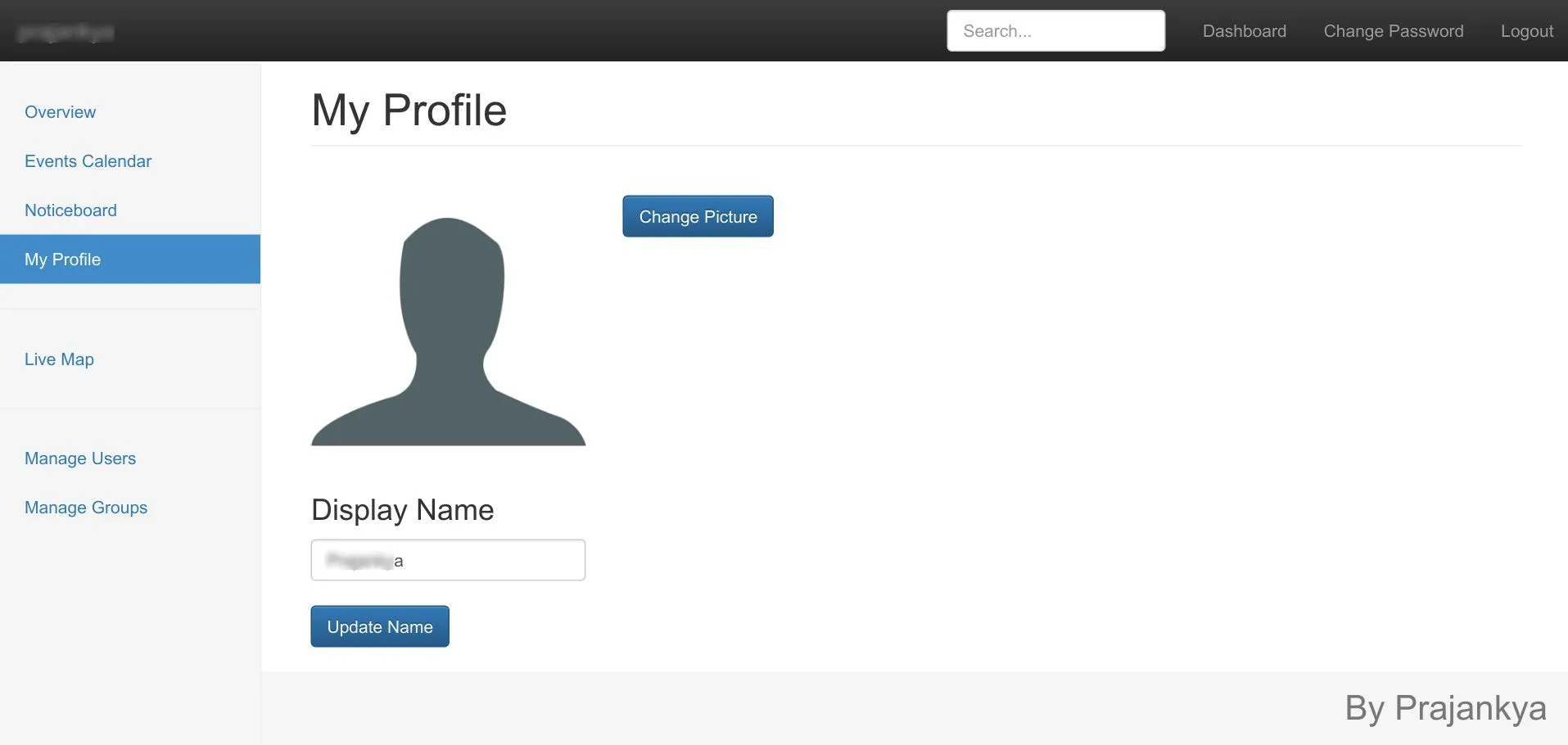
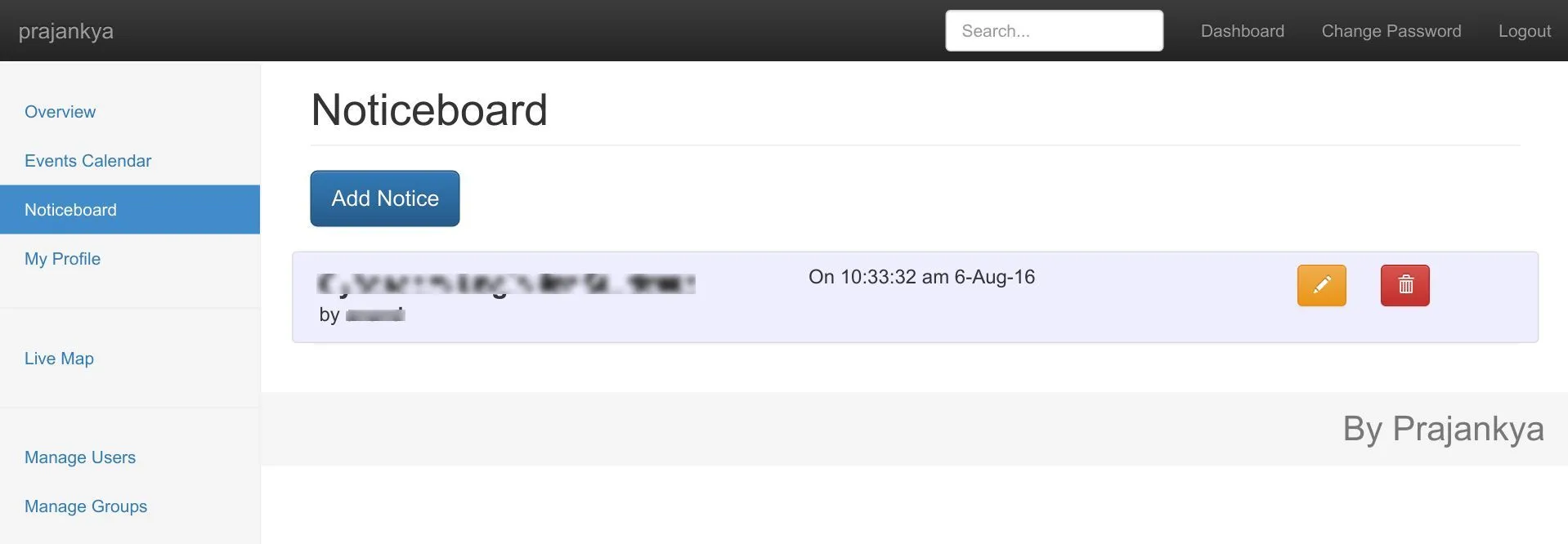
The ‘My Profile’ page adds a display name and Profile picture change facility, which is shown on the frontpage in ‘Infocell Team’. In the Noticeboard page, new notices can be added, edited or deleted. These notices are visible on the frontpage as well.
NMS (Network Management System)
The Dashboard sidebar has a “Live Map” which is in fact the Network Monitoring System. The Map is made by VIZ.js and uses various technologies to build the map. All the visible devices are shown with UP/DOWN status by pinging each device every 5 seconds. The Line UP/DOWN status at the top uses SNMP Trap to show when a line goes down. The left side UTM statistics are taken using SNMP as well as ghost browser login in PhantomJS.
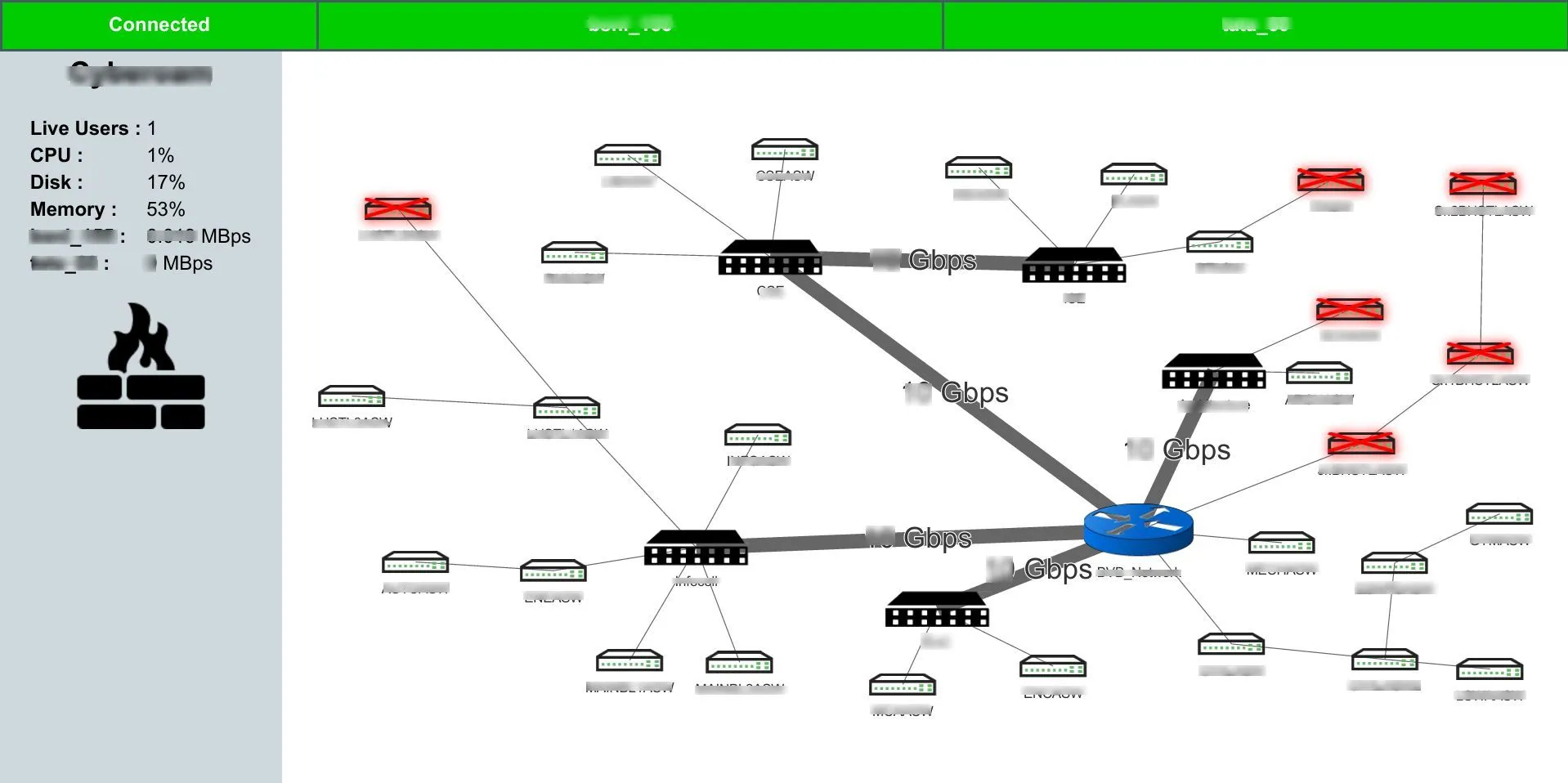 Live network map with real-time SNMP monitoring